01
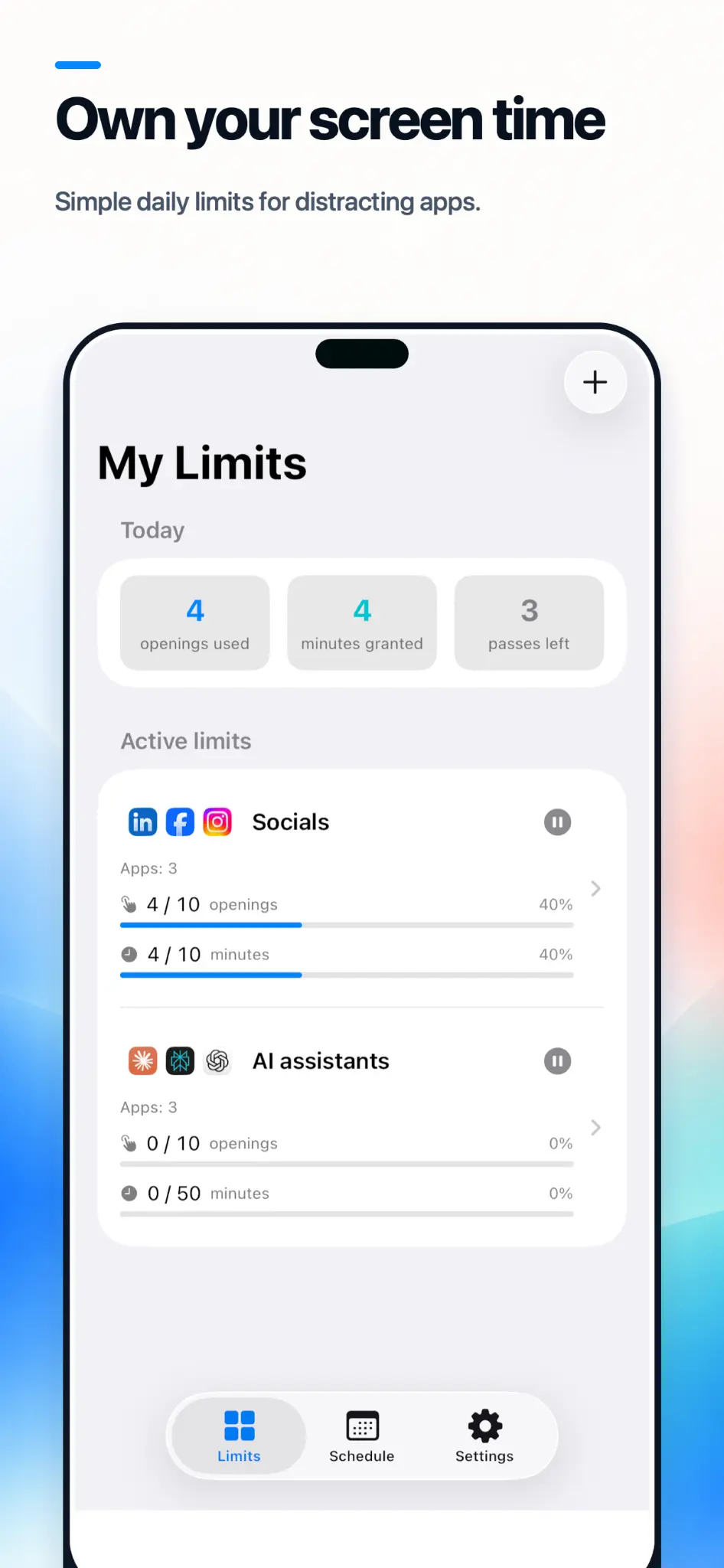
Give every app an opening budget.
Set a daily number of opens for individual apps or entire categories. Every entry is visible, finite, and deliberate.
- Per app or category
- Separate weekday and weekend limits
- Automatic daily reset
Built for the moment before the scroll
AppLimiter adds small, visible decisions to the habits that usually happen without one. You set the rules. iOS keeps them in place.

01
Set a daily number of opens for individual apps or entire categories. Every entry is visible, finite, and deliberate.
02
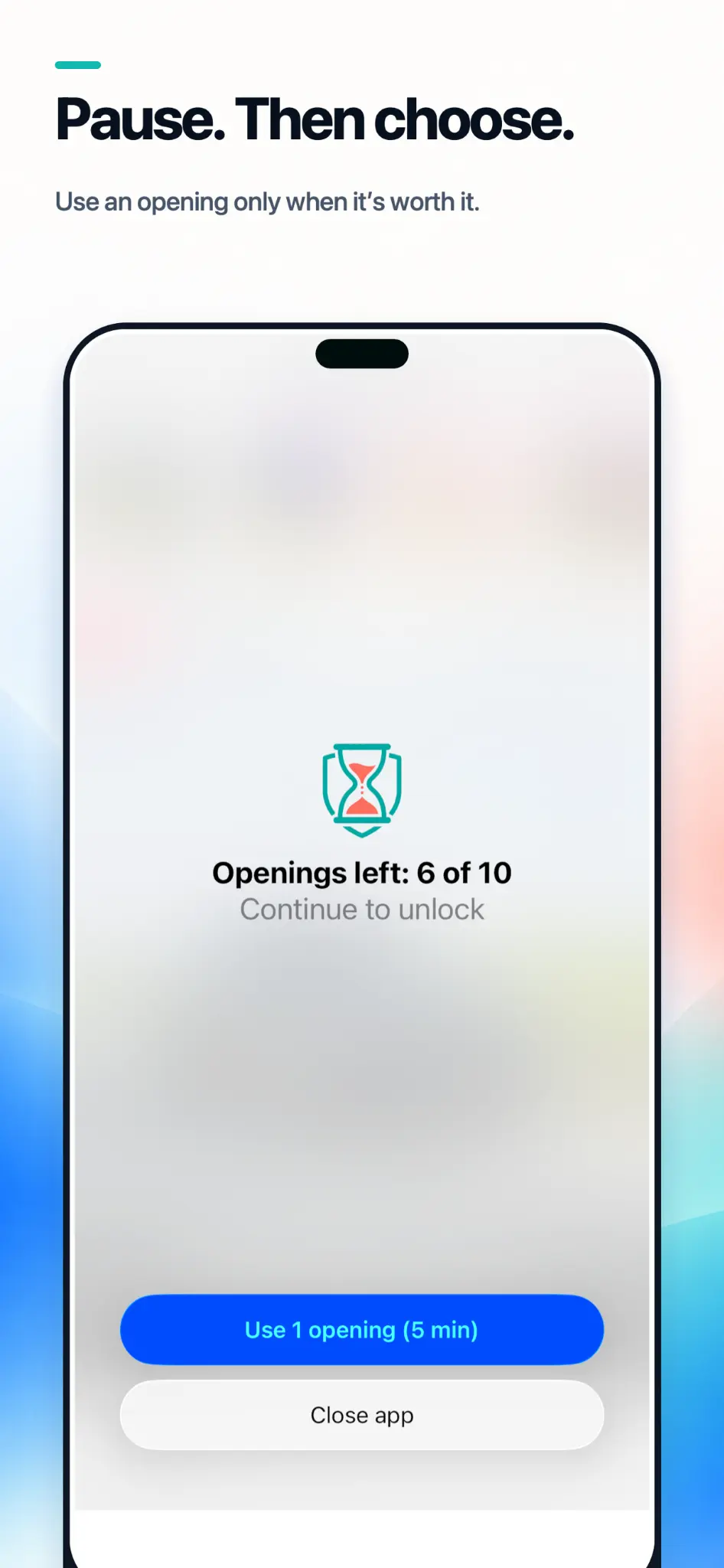
Before a limited app opens, AppLimiter shows exactly how many openings remain. Continue and spend one, or leave without losing anything.
03
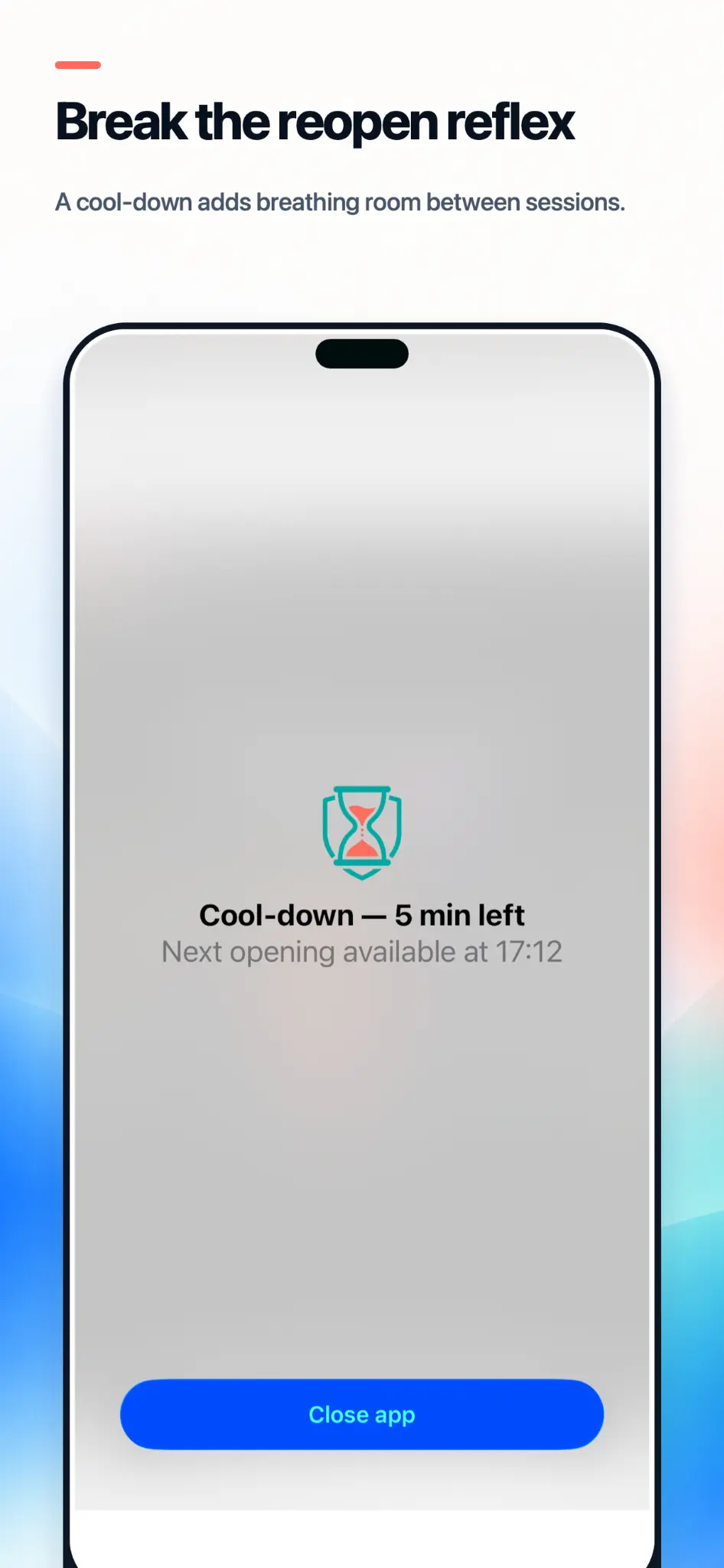
Add a cooldown after each session. The app stays unavailable long enough for the automatic impulse to pass.
04
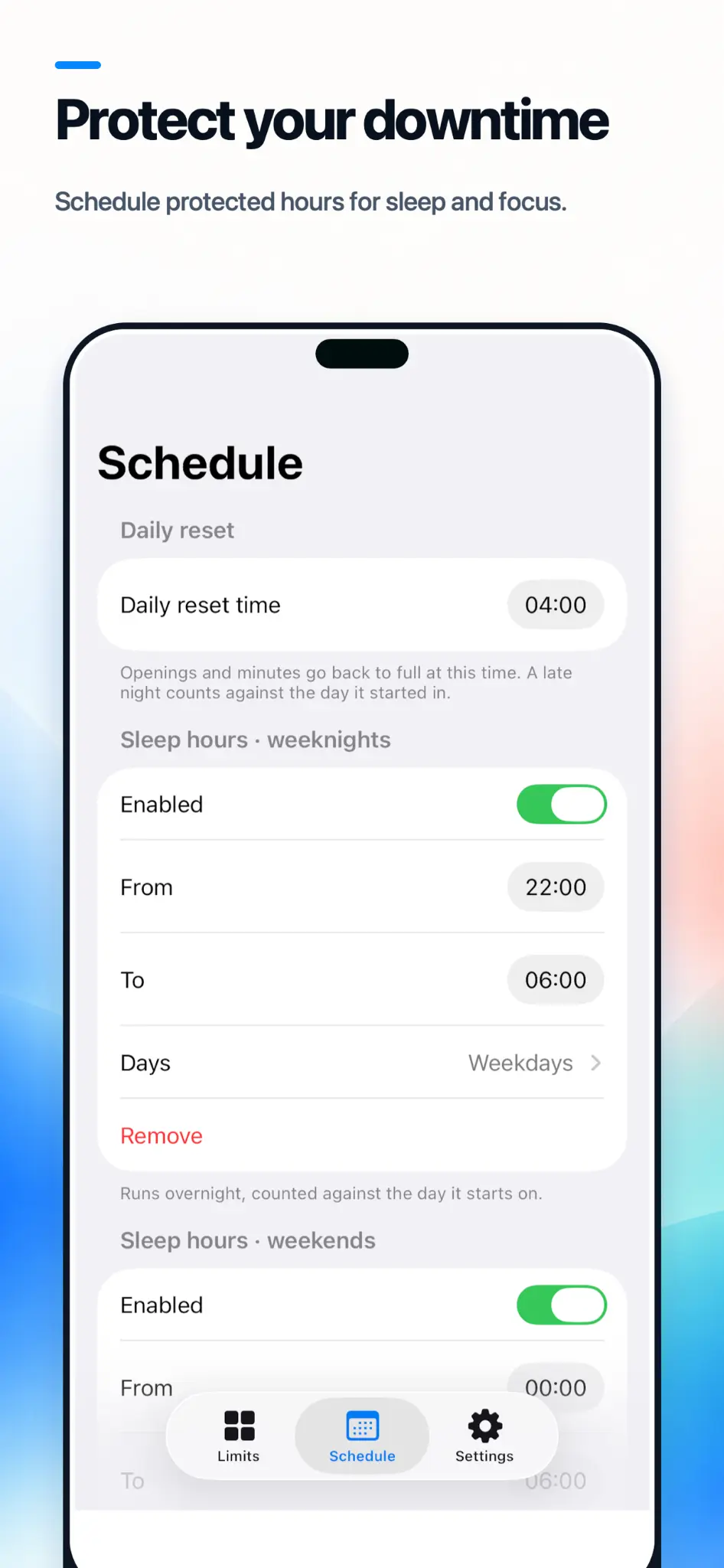
Create full-block schedules for sleep, school, work, or deep focus. Use different hours for weekdays and weekends.
05
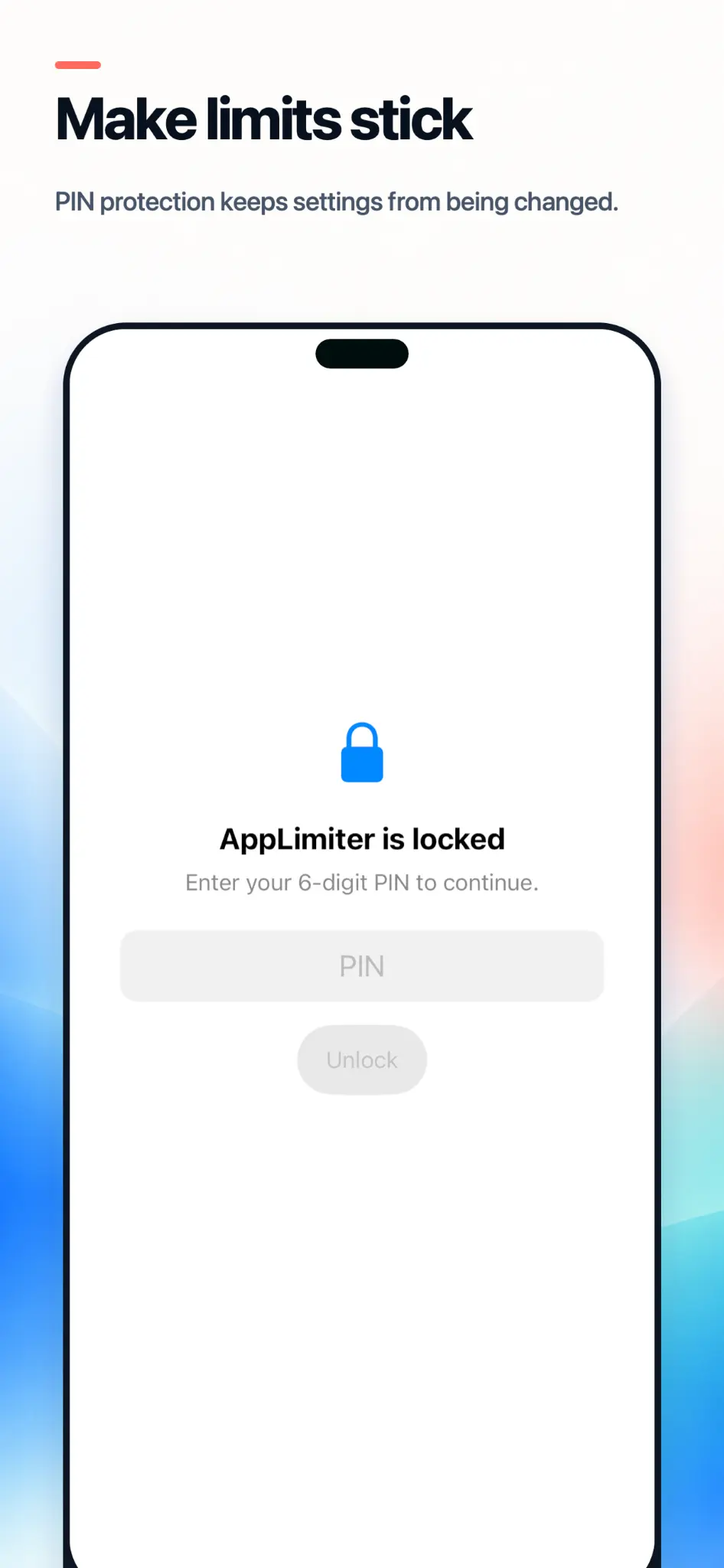
Protect limits and settings with a secure 6-digit PIN. Perfect when a parent configures AppLimiter on a child’s iPhone.
06
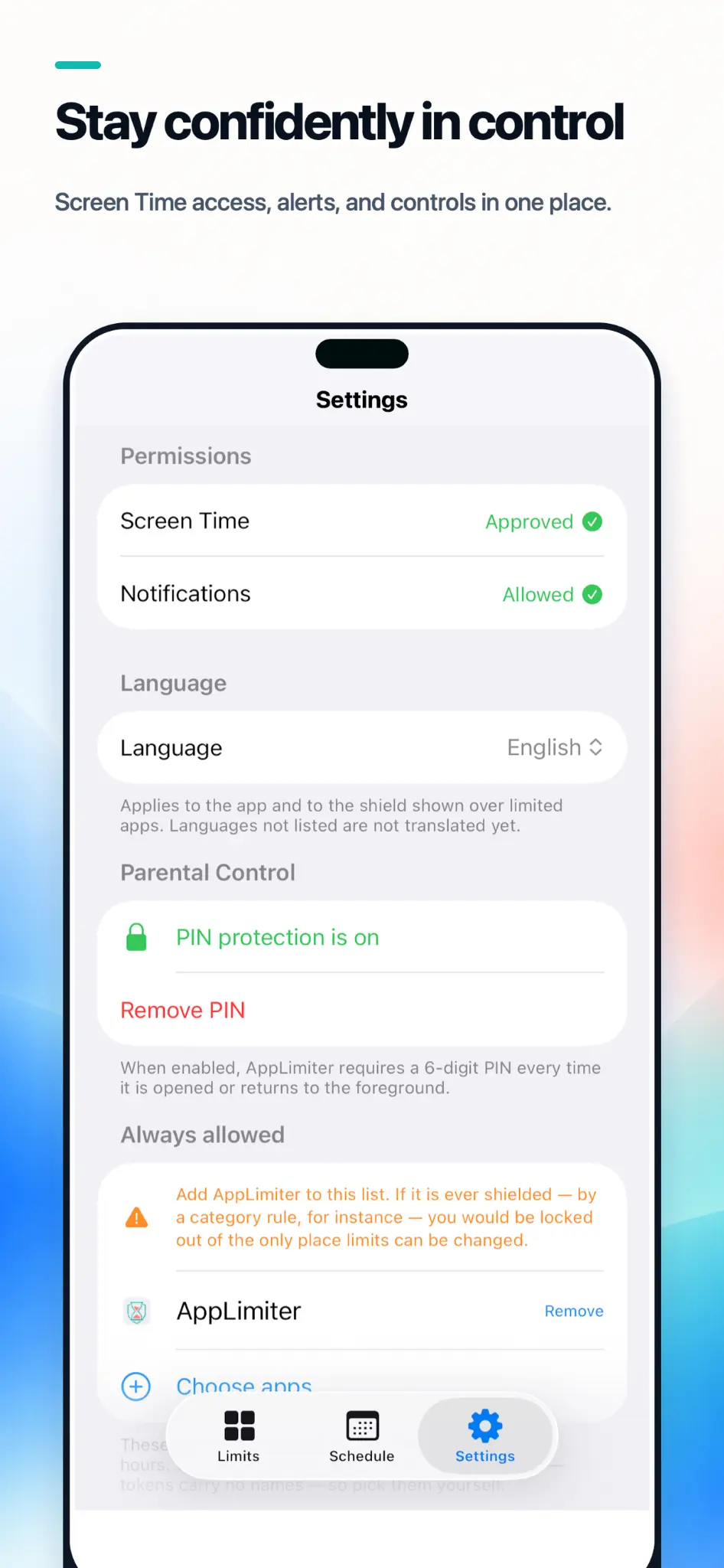
Manage permissions, language, protected apps, notifications, and parental controls without an account or cloud dashboard.
Three steps
Pick distracting apps or whole categories.
Choose daily openings, session length, and cooldown.
See what remains before every limited opening.
Need limits that a child cannot change on impulse?
Explore parental controls